

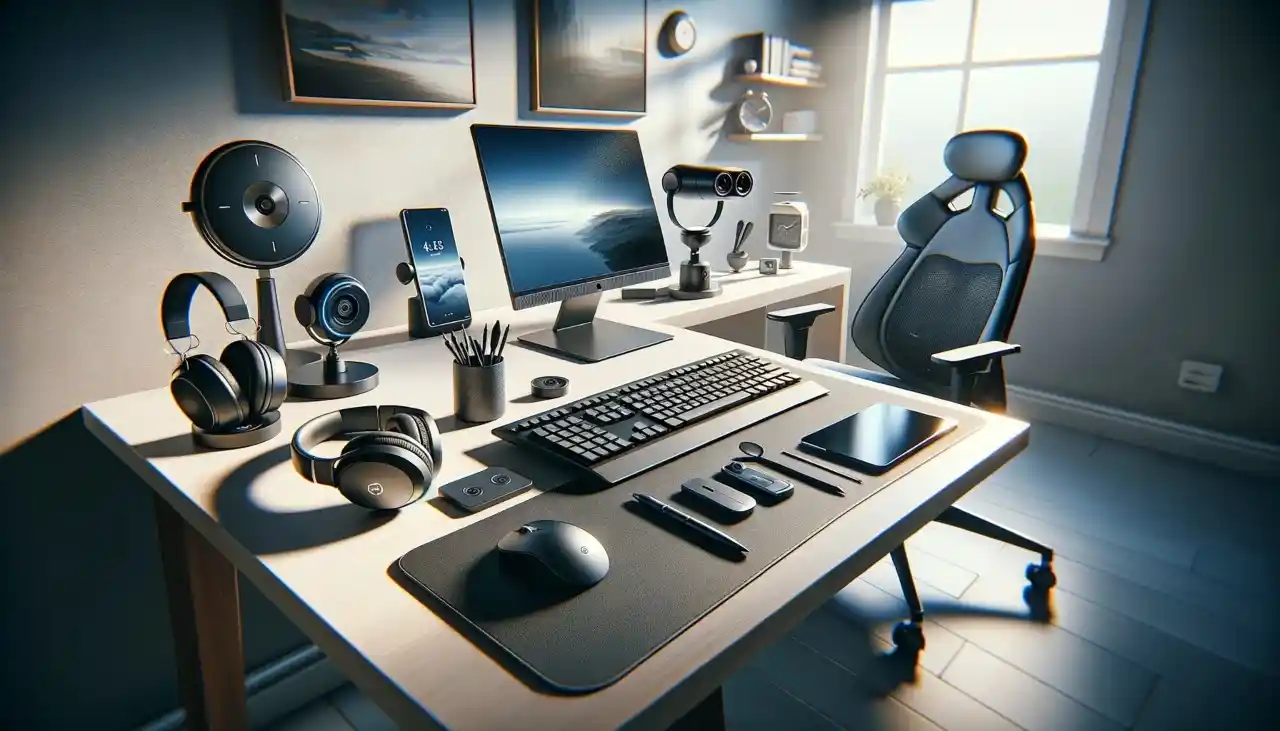
Remote work is not a trend but a new way of life for millions of working professionals. With this shift, having your workspace set up with the appropriate tools becomes essential to boost your productivity and comfort level. Following are the top 10 gadgets that every remote worker should look into to create a smooth, efficient, and comfortable work environment.
1. Ergonomic Office Chair
A comforting and supportive office chair is the most important feature in any home office. Sitting for long periods of time without any support for the back will result in discomfort, poor posture, and even long-term health damage.
Importance of Ergonomics
An ergonomic chair should have the perfect support, positioning your spine in a neutral position and not causing any strain. Adjustable height, lumbar support, and armrests are vital to make the chair fit your body requirements.
Features to Look for in an Ergonomic Chair
When selecting an ergonomic chair, observe features such as height-adjustable seat, reclining backrest, lumbar support, and cushioning. The most ideal brands are Herman Miller, Steelcase, and Secretlab.
2. High-Resolution Webcam
With remote work, video conferencing has become a daily activity. A high-resolution webcam ensures that you’re seen clearly, enhancing communication and professionalism during meetings.
Benefits of Clear Video Quality
An excellent webcam makes an excellent visual impression, with your colleagues or clients being able to see you clearly without pixelation or delay. It is especially useful for presentations, interviews, or team meetings where free communication is required.
3. Noise-Canceling Headphones
Remote work is normally accompanied by distractions, from the family members to ambient noise levels. Noise-canceling headphones can be a lifesaver, allowing you to concentrate and stay productive.
Advantages of Noise-Cancelation for Home Offices
These headphones can block ambient sounds so that you can concentrate on your work or even have virtual meetings without disturbance. They are also vital in helping ensure that you communicate effectively while making calls, especially when in public.
4. Adjustable Standing Desk
Sitting most of the day can have a negative effect on your health. An adjustable standing desk permits you to alternate between sitting and standing during the day, which helps improve your posture and minimize the risk of health issues caused by extensive sitting.
Health Benefits of Standing While Working
Standing at a standing desk can improve the circulatory system, reduce back pain, and increase energy levels. Standing is such an easy way to get moving even when sitting in front of your computer.
5. Portable Monitor
Another monitor really boosts your productivity, and you are able to multitask in an efficient way. The travel monitors are handy, light weight, and easy to set up, which is a great addition to your home office or business travel.
Benefits of Having a Dual-Monitor System
They also have a two-screen plan available where you can read papers easily, have video calls, or attend to other work while watching television without having to keep switching tabs.
6. External Keyboard and Mouse
Though laptops are great in that they can be taken around, the trackpad and keyboard provided are often not so comfortable to type on for long amounts of time. Having an external mouse and keyboard really can make a big difference in your typing speed and comfort.
Why an External Setup Increases Productivity
An outside setup offers improved ergonomics and easy control without your wrists and hands going through the stress of typing for extended periods of time.
7. Ring Light for Video Calls
Lighting can either make or ruin your video call look. A ring light makes you well-lit, and therefore you’ll look more professional and attentive on online meetings.
Importance of Proper Lighting
Better lighting enhances your video quality by removing harsh shadows and making you more clearly seen. It is an easy and effective solution to boost your remote workstation.
8. All-in-One Printer
Even now, it is not always possible to avoid printing, copying, or scanning papers. Having one printer at home spares you visits to the local print shop and facilitates your work.
Why Printing at Home Is Still Relevant
Whether they are printing out contracts or keeping hard copies of the important documents at hand, a reliable printer is as necessary today as it was yesterday to most teleworkers.
9. USB Hub and Cable Management Tools
Remote work will normally involve switching between greater than one device, and that does become disorganized. The USB hub adds additional ports to your laptop, and cable organizers keep your area organized.
Decluttering Your Workspace
Cable management keeps you from wasting time and frustration every time you switch between devices. A USB hub also gives you enough ports to attach all your devices.
10. Laptop Stand
Place the screen of your laptop at eye level to prevent neck and back pain. Raising your laptop to eye level is helpful to your posture and makes your home remote working area more ergonomic.
Advantages of Elevating Your Laptop
A lap stand provides an individual with the motivation to sit a bit more upright not to continue long-term neck and back pain from leaning forward over a laptop.
Conclusion
Having the right gadgets makes a significant difference in how well your remote job turns out. From ergonomic office chairs to intelligent speakers, all these devices contribute to the more productivity-oriented and more comfortable working setting. Spending money on these gadgets not only boosts productivity but also in making your routine remote work healthier and more fun.
Read also: Are Airport Charging Ports Safe for Your Mobile Phones and Laptops?



