

Key Takeaways
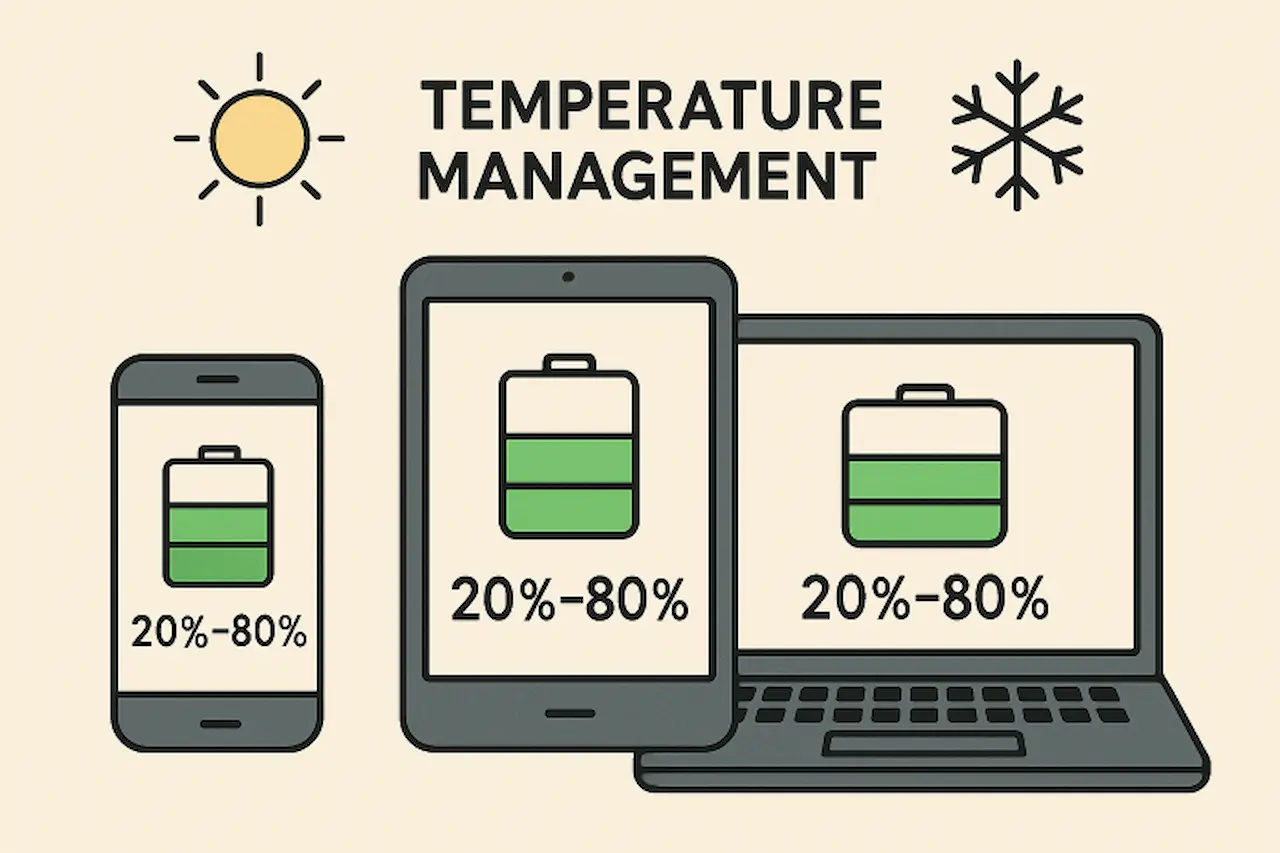
- Maintain your battery between 20% and 80% for optimal health.
- Avoid both high and low temperature extremes to reduce battery wear.
- Leverage power-saving settings to minimize drain.
- Keep your device updated for peak battery efficiency.
- Always select manufacturer-recommended chargers to ensure battery safety and longevity.
Electronic devices have become an integral part of modern life, powering everything from daily communications to essential work tasks. As indispensable as smartphones, tablets, and laptops are, their usability depends on the health of their batteries. Given the cost of device replacement and environmental concerns, it’s far more beneficial to maximize battery longevity where possible. If you do find that your battery is no longer holding a charge, quality replacement Samsung batteries are available from reputable suppliers.
Whether you own a phone or a tablet, understanding how to maintain your device’s battery health can help extend its lifespan, saving you time and money. Adopting simple habits, proactively maintaining your device, and using the right accessories all contribute to a longer-lasting, more reliable battery. Let’s review the best strategies you can adopt today for a noticeable improvement in battery performance and durability.
Optimal Charging Practices
Improper charging is a leading cause of premature battery aging. Modern lithium-ion batteries, found in most electronics, do not require full discharges before recharging, unlike older battery technologies. Avoid letting your charge level repeatedly dip below 20%; instead, top up your battery before it drops too low. If rapid charging isn’t necessary, use standard or slow chargers, as these generate less heat, thereby reducing stress on the battery. Charging overnight is not recommended, as prolonged charging at 100% can also generate excessive heat and unnecessary strain.
- Avoid Full Discharges: Charge before exceeding 80% or dropping below 20% for ideal battery preservation.
- Use Gradual Charging: Opt for slower charging unless fast charging is necessary.
- Avoid Overnight Charging: Unplug when you reach a moderate level, especially when charging while sleeping.
Temperature Management
Temperature extremes are one of the most overlooked factors that can cause a battery to fail. Excess heat, such as leaving your phone in direct sunlight or inside a parked car on a hot day, can accelerate chemical reactions in lithium-ion batteries, degrading their lifespan. Conversely, very low temperatures reduce a battery’s efficiency and, if persistent, can cause permanent capacity loss. To protect your battery, always use and store your electronics in environments with stable, moderate temperatures.
- Shield from Heat: Remove devices from hot locations and never charge on soft surfaces (like beds) that can block heat dissipation.
- Protect from Cold: Store devices at room temperature; keep electronics warm if you’re in freezing conditions.

Adjusting Device Settings
Device settings are potent tools for extending battery life, especially in newer devices loaded with efficiency features. Lowering your screen’s brightness and reducing the screen timeout can drastically cut power consumption. Disabling non-essential services, such as Bluetooth, Wi-Fi, or GPS, when not in use prevents them from draining your battery in the background. Additionally, enabling built-in power-saving modes can help your device automatically adjust settings for maximum battery conservation. More guidance on battery care is available from reputable sources, such as WIRED. Keeping your device’s software up to date helps it run efficiently, which can further extend battery life. Additionally, simple habits such as closing unused apps and managing notifications can make a noticeable difference over time.
- Lower Display Brightness: A dim screen uses significantly less power.
- Manage Background Apps: Limit or close unnecessary background applications and processes.
- Turn On Power-Saving Mode: Let your device make automated adjustments for efficiency, especially when the battery is low.
Regular Software Updates
Software, both at the operating system level and within individual apps, has a profound impact on battery longevity. Manufacturers and developers regularly release updates that address bugs, patch security vulnerabilities, and optimize energy management algorithms. Keeping your device updated helps ensure that it’s running as efficiently as possible, with the latest power-saving innovations applied.
- Automatic System Updates: Enable automatic updates for your operating system and core apps whenever possible.
- Manually Update Apps: Check your device’s app store for pending updates that include battery optimization improvements.
Using Quality Accessories
The type and quality of charging accessories used with your device matter. Cheap, uncertified chargers can deliver unstable current, overheating batteries and risk permanent damage. Always use manufacturer-provided or certified third-party chargers and cables specifically designed for your device’s specifications. Additionally, use protective cases that help keep your device cool to prevent overheating from regular use.
- Choose Certified Chargers: Prevent battery harm by avoiding low-quality, generic charging solutions.
- Invest in Protective Gear: Cases designed for both protection and heat dispersion help your device maintain an optimal temperature.
Proper Storage Practices
Extended periods of non-use require specific preparation to ensure the battery remains healthy. If you need to store your device for more than a few weeks, charge it to around 50% beforehand. Avoid putting it away fully charged or, worse, completely empty, as either extreme can strain the battery when it’s ultimately brought back into use. Store your device in a superb, dry location, avoiding moisture and direct sunlight. For more best practices, consult reputable guides from publications like AARP.
- Half-Charged is Best: Store at a 50% charge.
- Avoid High Humidity: Both excessive moisture and extreme dryness can harm internal components and compromise the battery’s chemical integrity.
Implementing these evidence-based practices will ensure your device battery delivers the longest, most reliable performance possible. By understanding your device’s needs and adopting a few mindful habits, you’re investing in longer device lifespans, greater day-to-day convenience, and less electronic waste—an all-around win.
Conclusion
Maintaining the health and longevity of your device’s battery is both practical and environmentally responsible. By following proper charging habits, managing temperature exposure, optimizing device settings, keeping software up to date, using high-quality accessories, and storing devices correctly, you can significantly extend battery life. These simple, proactive steps not only enhance daily performance and convenience but also reduce the need for premature replacements, saving you money and minimizing electronic waste. Ultimately, attentive battery care ensures your devices remain reliable, efficient, and ready to support your modern lifestyle for years to come.
Also read: Creative Uses of Metal Fences in Urban and Rural Settings: Expanding Your Business Opportunities



