

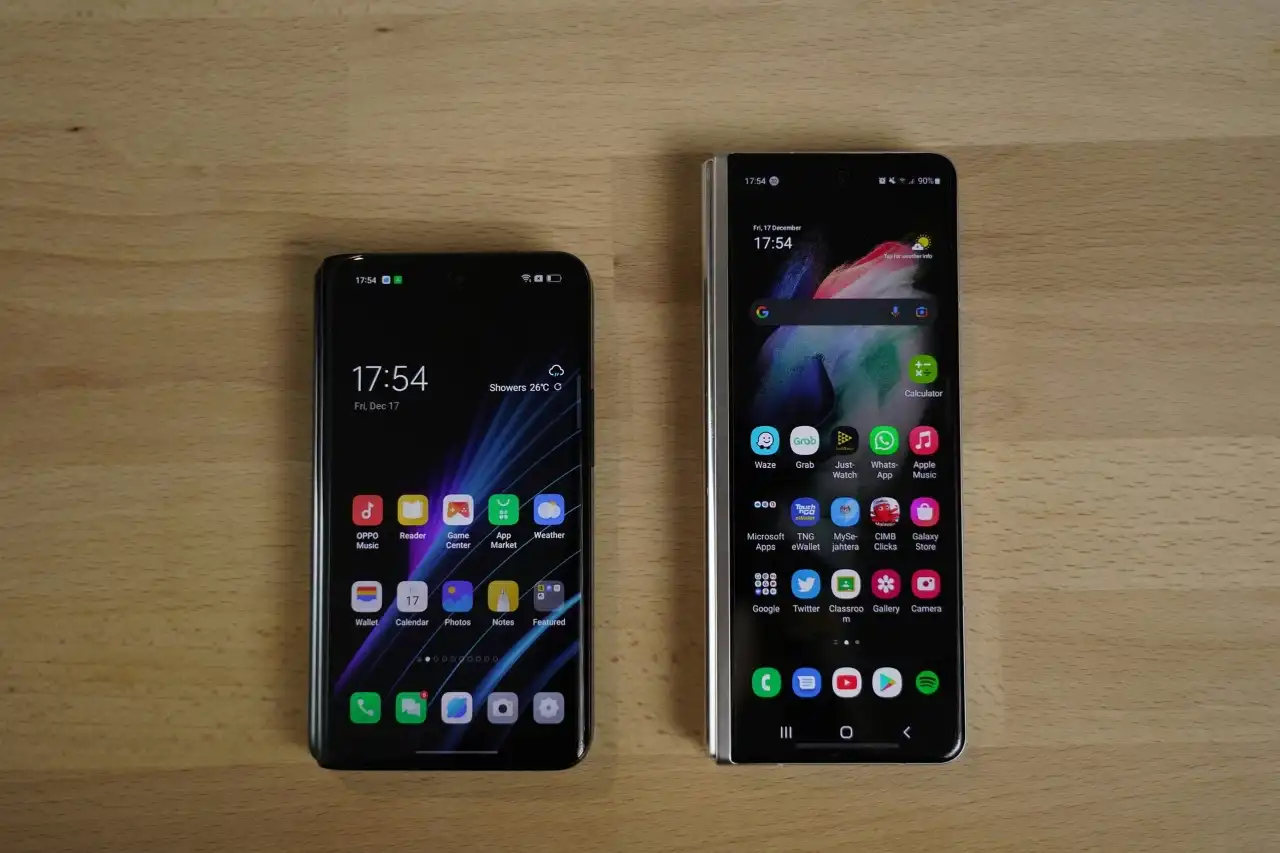
Walk into any café in New York, a subway car in Chicago, or a college library in California, and you’ll see the same thing: people glued to their smartphones. In the United States, these devices are practically extensions of our bodies. They wake us up in the morning, guide us to work, connect us to friends, and entertain us late at night.
But here’s the catch. Despite the hours Americans spend staring at their screens, most people only ever scratch the surface of what their phones can really do. Beneath the familiar icons and apps lie dozens of tools that can make life easier, safer, and far more efficient.
This article uncovers five hidden smartphone features you probably didn’t know existed. These are not gimmicks. They are real, practical functions already built into most modern devices. Once you learn them, you’ll wonder how you ever lived without them.
Flip Your Phone Face Down to Silence Notifications
Few things are more frustrating than being interrupted by your phone at the wrong time. You’re in a work meeting, sitting in a lecture, or simply trying to relax over dinner. Then—buzz, ping, flash—your device grabs your attention.
On Google Pixel and many other Android phones, there is a setting called Flip to Shhh. Place your phone face down on the table, and the device automatically switches into Do Not Disturb mode. No menus, no swipes, no panic. Just one simple motion and peace is restored.
To activate it on a Pixel, go to Settings → Digital Wellbeing & parental controls → Flip to Shhh. On Samsung and Motorola devices, look under Motions and Gestures. Apple doesn’t offer the same exact trick, but its Focus modes in iOS let you create automatic rules that silence notifications when you need downtime.
For American professionals juggling long workdays, this shortcut is a lifesaver. Flip your phone in the conference room and it won’t embarrass you with random notifications. Parents can use it at the dinner table to keep family time sacred. Even college students sitting in packed lecture halls can stay focused without missing critical information later.
Beyond convenience, this feature represents a growing trend in digital wellness. As Samsung highlights, small design tweaks like this can help people set healthier boundaries with their devices.
Pin a Single App Before Handing Over Your Phone
Handing your phone to someone else is always risky. Maybe your coworker asks to use your calculator. Maybe your child wants to play a game. Maybe a friend just wants to scroll through photos from your weekend trip.
In each of those situations, there is a tiny moment of panic: what if they swipe the wrong way? What if they see your texts, open your banking app, or stumble onto private notes?
That’s where Screen Pinning comes in. This feature locks the phone into a single app. Whoever is holding it cannot exit that app without your password, PIN, or biometric unlock.
To set it up on Android, go to Settings → Security → Advanced → Screen Pinning. Once enabled, open the app you want, tap the overview button (the square or swipe-up gesture), and select the pin option. On iPhone, you’ll find a similar tool under Settings → Accessibility → Guided Access. Guided Access not only locks an app but can also disable certain parts of the screen, making it especially useful for children.
This feature solves very real problems. Parents in busy households can safely give a device to a child without worrying about accidental online purchases. Teachers can lend a phone to students for a specific app during class. Business owners can show a customer a product gallery without revealing sensitive work emails.
It’s a small step toward digital privacy, an issue that has become increasingly urgent in America as stories about data breaches and snooping make headlines. And it shows that sometimes the smartest security isn’t about downloading new software—it’s about using what’s already there.
Test Remote Control Batteries with Your Camera
Every American household knows the scenario: you grab the TV remote, press the button, and nothing happens. Is it the batteries? The remote? The TV itself?
Instead of wasting time—or buying a fresh pack of batteries you might not need—you can use your smartphone camera to test the remote. Just open the camera, point the remote at the lens, and press any button. If the remote is working, the camera will pick up the invisible infrared light and display it as a flashing purple or white glow on your screen.
This simple trick, shared by Mobile Klinik, works because smartphone cameras detect wavelengths of light the human eye cannot see. Infrared is invisible to us but not to the sensor in your phone.
For families with multiple remotes—TV, sound system, streaming box, air conditioner—this test saves time and money. Instead of tossing a remote in frustration, you’ll know exactly whether to replace the batteries or troubleshoot the device itself.
It’s a reminder that the “camera” in your pocket is not just for selfies. It is also a diagnostic tool, a magnifier, and sometimes even a flashlight.
Search Your Photo Gallery by Keyword
Americans take billions of photos every year. Over 1.6 trillion photos are captured annually worldwide, most of them on smartphones. That sheer volume creates a problem: how do you ever find what you need again?
Both iPhone and Android devices come with hidden AI-powered search tools. In the Photos app, simply tap the search bar and type a keyword— “dog,” “birthday,” “pizza,” “beach.” Instantly, your phone pulls up the images that match.
This feature uses on-device machine learning to analyse shapes, objects, and sometimes even text. That means your phone recognizes your pet, your car, or your favourite vacation spot without you having to organize anything manually.
For American users, this is more than convenience. Small business owners can quickly retrieve product images for marketing. Social media users can resurface old content to repost. Parents can find that one picture from last year’s baseball game without scrolling through thousands of unrelated shots.
Importantly, Apple emphasizes that its photo search happens entirely on the device, not in the cloud, protecting your privacy. Google Photos combines on-device recognition with cloud-based tools, which is powerful but requires trust in Google’s handling of data.
Either way, this search capability transforms your photo gallery from a chaotic mess into a searchable archive.
Unlock Hidden Menus with Secret Codes
The last hidden feature is the most technical—and the most fascinating. Your phone has secret dialler codes that unlock diagnostic menus and tools used by technicians and carriers.
For example, on most Android phones, dialling *#*#4636#*#* opens a menu showing details about your battery health, signal strength, and Wi-Fi status. Other codes test vibration, display colours, or speaker volume. On iPhone, dialling *#06# instantly displays the IMEI number, useful for identifying your device if it is lost or stolen.
These codes, sometimes called USSD codes, are not dangerous when used responsibly. But they are powerful. They give you insight into your device’s performance that you cannot find in normal settings. These menus are part of the phone’s design, built for technicians to troubleshoot quickly.
In the U.S., this feature is especially useful for anyone relying heavily on their phone for work. Truck drivers can test network connectivity on the road. Healthcare workers can check battery health to ensure their phone lasts a 12-hour shift. Travelers can verify that their device is connecting properly to a local carrier.
It’s like having a backstage pass to your smartphone—one that shows you how the machine really runs.
Why These Features Matter to Us
The brilliance of these five features is not just that they exist. It is how they fit into the fabric of everyday life.
- Flip to Shhh protects focus in workplaces, schools, and family dinners.
- Screen Pinning shields privacy in a culture where data leaks and oversharing are constant concerns.
- Camera as Battery Tester saves money for households juggling multiple remotes.
- Photo Search brings order to the chaos of modern digital memory.
- Secret Codes empower ordinary users with technician-level insights.
Together, they reflect the changing role of smartphones in the U.S. Once they were simple tools for calling and texting. Today they are personal assistants, security devices, entertainment hubs, and memory keepers. These hidden features give users more control, efficiency, and confidence in how they manage those roles.
Final Thoughts
Smartphones have become so common in the United States that many people think they already know everything about them. But as this guide shows, beneath the surface are layers of functionality waiting to be discovered.
By learning just five hidden features—flipping your phone face down to silence it, pinning a single app for safe sharing, testing remote controls with your camera, searching photos by keyword, and using secret dialler codes—you unlock surprising power from a device you thought you had already mastered.
The best part? You don’t need to download anything new or buy the latest model. These tools are already in your pocket. All it takes is a little curiosity to bring them to life.
So, the next time someone complains their phone is boring or predictable, you’ll have five tricks ready to prove them wrong.
Read also: Bridging the Gap: Creating Drone Technology That Works for Both Business and Communities



