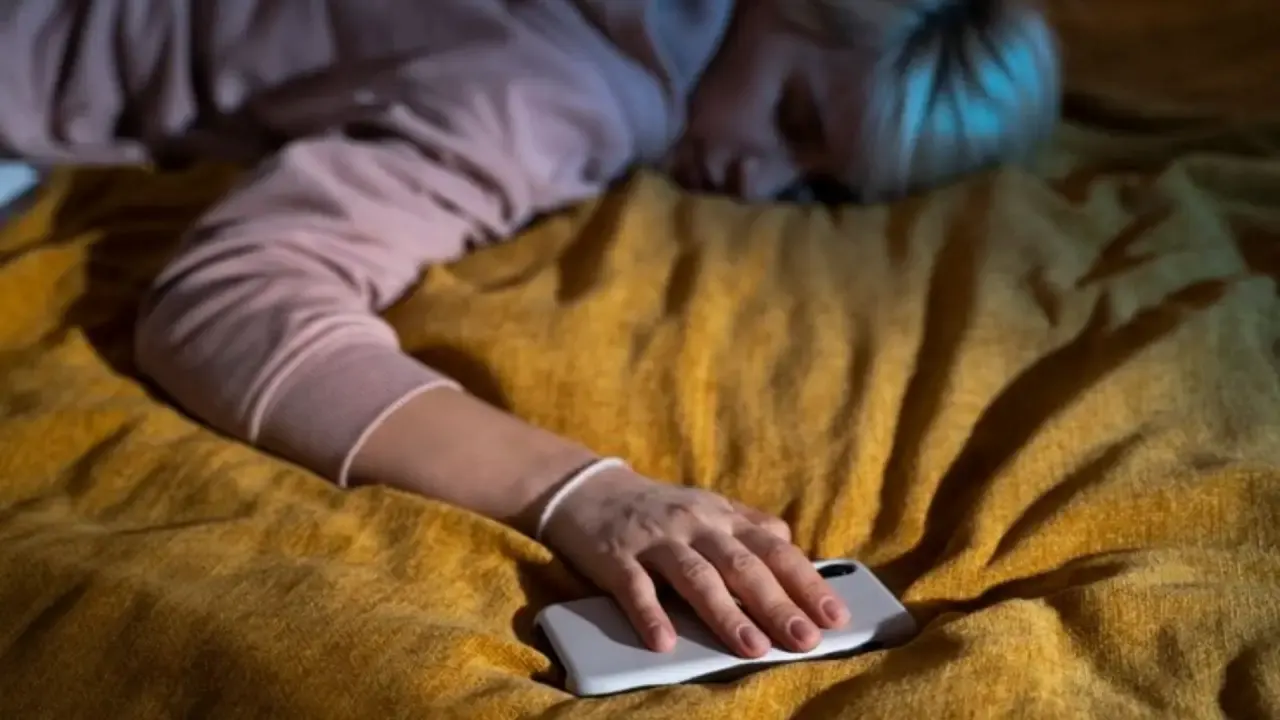
Sleep is still a biological necessity. Research over the past several decades has told us that sleep is a vital part of maintaining physical, mental, and emotional well-being. Yet in a world that glorifies busyness, winding down can feel more like a chore than a ritual. Ironically, the very device often blamed for keeping us awake, the iPhone, can become a surprisingly effective tool for encouraging rest when used correctly and mindfully.
Many Americans face sleep-related struggles, with the CDC reporting that one in three adults don’t get enough sleep on a regular basis. Whether it’s screen overexposure, racing thoughts, or an inconsistent routine, the barriers to good sleep are too abundant. Fortunately, your iPhone already houses a suite of built-in features and third-party apps designed to help calm the mind and structure your evenings. With just a few tweaks, you can transform your nightly scroll session into a sleep-optimizing experience catered perfectly to your needs.
Some Built-In Sleep Features to Activate Tonight
Apple’s IOS ecosystem is designed to support wellness goals, and sleep is no exception. Here are several tools available right from your iPhone settings that you can try out tonight:
- Sleep Focus Mode – This feature silences notifications, dims your lock screen, and prevents distractions during wind-down hours. You can customize it to activate automatically at your preferred time and even link it with other health apps for seamless tracking
- Bedtime and Wake-up Schedules – Within the Health app, you can set sleep goals and receive reminders when it’s time to start winding down. Your iPhone gently nudges you to maintain consistency, which is essential for regulating your body’s internal clock.
- Wind Down Shortcuts – These customizable automations can activate soothing routines like launching meditation apps, dimming the lights via HomeKit, or playing ambient music, all with a single tap
- Dark Mode and Night Shift – Reducing blue light exposure before bedtime helps regulate melatonin production. Night shift adjusts screen tones automatically, minimizing light disruption without sacrificing readability.
Making use of specific or all of these tools is bound to aid you in your efforts to regain control over your wind down time.

Soothing Soundscapes and Guided Support
Beyond built-in features, the App Store offers many great sleep-enhancing options you can trial. Here are several popular tools that American users rave about that you may find work for you:
- Spotify Sleep Timer – Making use of an app you most likely already have, Spotify’s vast catalog of calming playlists, from nature sounds to lo-fi beats, can accompany your bedtime routine. With its sleep timer, you can set music to stop after a chosen duration, preventing abrupt wake-ups or battery drain overnight.
- Calm – This app blends mindfulness, meditation, and sleep stories narrated by familiar voices like Matthew McConaughey. Calm’s Sleep Stories are especially useful for easing nighttime anxiety and guiding you gently into rest.
- Headscape – Known for its clean design and evidence-based approach, Headspace offers wind-down meditations, breathing exercises, and sleepcasts, softly spoken audio experiences curated to lull you into slumber.
- Sleep Cycle – Acting like a smart alarm clock, Sleep Cycle analyzes your sleep patterns via movement and sound, waking you during a light sleep phase to minimize grogginess. It also provides insights that can help you tweak your routine for better results.
Each app brings a slightly different philosophy to giving you a better sleep. Some are rooted in cognitive strategies, while others focus on environmental cues. The beauty of the iPhone is that you can choose and pick depending on whatever you’d like most. In your hands everyday is a tool that can build a routine that truly works for you.
The Lifestyle Ripple Effects of Better Sleep
One night of consistent sleep becomes a habit, and the benefits begin to ripple outward. Users who integrate iPhone features into their sleep routines may find that they have increased mental clarity during the day, better emotional regulation, better physical health, and reduced reliance on stimulants.
This isn’t just anecdotal; research from the NIH reports that sleep improves memory and many other mental functions that are essential for day-to-day living. As tech becomes more intertwined with health, leveraging devices mindfully may be one of the most impactful changes a person can make toward long-term wellness.
The integration of digital sleep strategies also dovetails with broader mental health goals. For those looking to advance their expertise in the field of mental health, pursuing online doctoral programs in counseling can open doors to leadership and specialized practice opportunities. Understanding the intersection of technology and well-being is becoming essential in both clinical and personal contexts.
Using your iPhone as a sleep aid doesn’t mean that you’re surrendering to the screen; it means curating an intentional experience for your health. Surrendering to the screen is not utilizing its many capabilities made for your use. The real key is consistency; by setting your phone on sleep focus, creating automations, and changing your tools to suit your needs, using it every night will quickly become second nature.
If sleep has been elusive lately. Your iPhone might be the very solution you’ve been overlooking.
Also read: I Tried 7 Different Sleep Aids So You Don’t Have to