

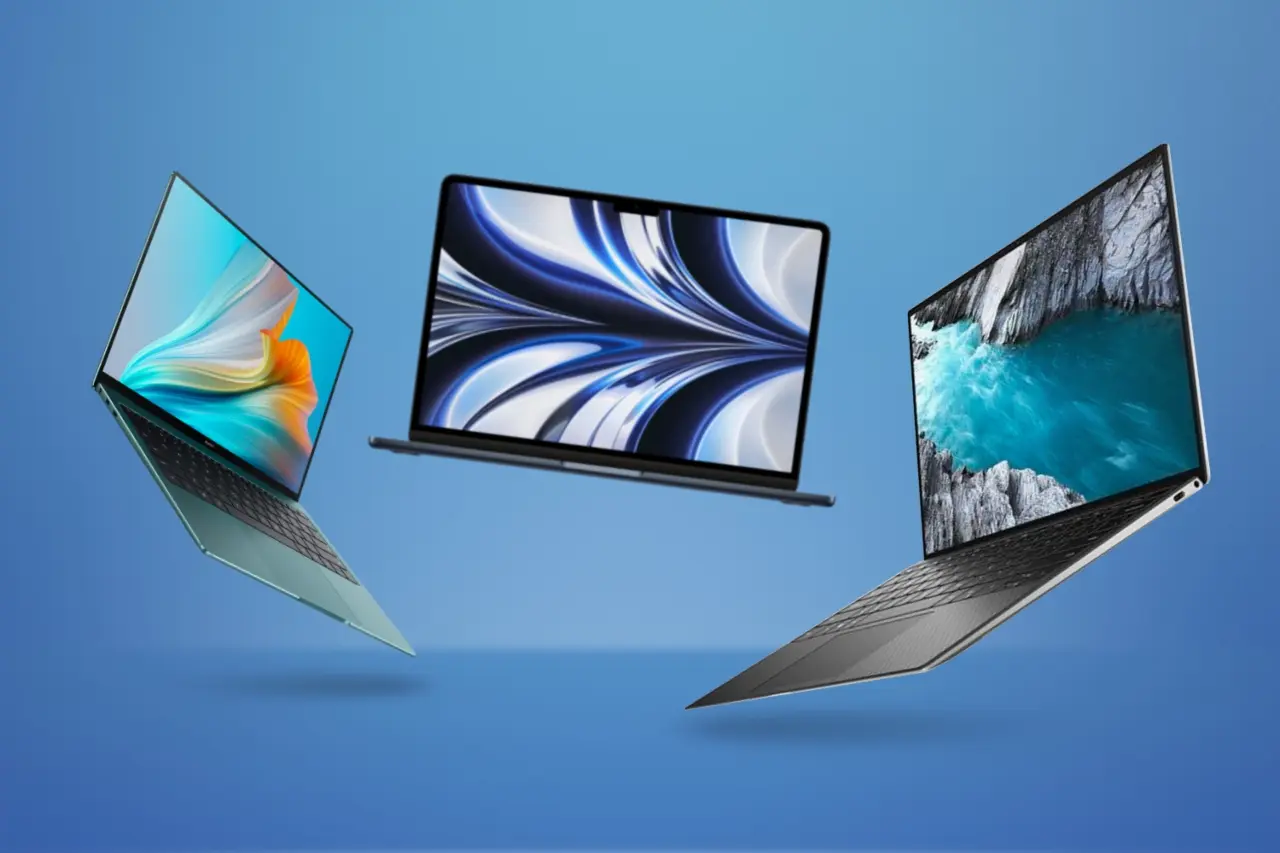
College life demands tech that works hard. Not just flash, but reliability, portability, good battery life, and value. Students need laptops for writing papers, coding, editing, video calls. Phones are essential for staying connected, scanning notes, collaborating, social media, and sometimes creative work. This article lays out what to watch for, and picks of the best budget laptops and phones in the US in 2025. Includes specs, real student use cases, average prices, pros and cons, and a comparison table so you can see what fits your priorities.
What Students Should Prioritize in Tech Purchases
To make a smart buy, students should focus on:
- Battery Life: If you’re moving between classes all day, you want something that lasts at least 8-10 hours for phones and 10-12 hours (ideally more) for laptops.
- Portability vs Performance: Lightweight and thin laptops are easier to carry, but might compromise on GPU or cooling. If your major doesn’t need heavy graphics or video editing, you can trade off some performance.
- Storage & RAM: 8 GB RAM minimum; 16 GB better for multitasking, working with VMs, programming, etc. SSD storage of at least 256 GB is better, especially for media and large projects.
- Durable Build / Support / Updates: US brands or those offering reliable support and updates are preferred. Phones that get regular OS and security updates add value.
- Price & Discounts: Student discounts, refurbished deals, sales here matter. Many laptops now drop in price when new models come out.
Best Budget Laptops for Students in 2025
Based on a mix of expert reviews and current deals, here are top laptop picks, with details and some price guidance.
| Laptop Model | Key Specs | Real Student Use-Case | Average US Price* | Pros | Cons |
|---|---|---|---|---|---|
| Apple MacBook Air 13-inch (M3, 2024) | Apple M3 chip; ~8-core CPU / GPU; 13.6-inch Liquid Retina display; 8-16 GB RAM; 256-512 GB SSD; up to ~15-18 hrs battery in light use. | Ideal for writing essays, note-taking, occasional creative work like photo editing, and for students in humanities / social sciences who value portability and long battery. | Around US$749-899 for base / promotions; standard list may be $999-$1,099 for higher storage etc. | Excellent battery life; build quality; support; lightweight; resale value; quieter fanless operation. | Higher cost than basic Windows or Chromebook; limited ports; base 8GB RAM is minimal for heavy multitasking; storage can be tight unless upgraded. |
| Apple MacBook Air 13-inch (M4, 2025) | Newer chip (M4), 10-core CPU; 16 GB RAM in many current deals; similar display; retains excellent battery and portability | Students who want more future-proof performance, better performance in media work, and more RAM out of the box. | As low as US$799 in some sale/Best Buy deals for 16 GB / 256 GB configuration; list prices usually $999. | More RAM; slightly better performance; same strong build; same excellent battery. | More expensive; still limited ports; upgradeability limited; for those not needing extra power, overkill vs cost. |
| Acer Chromebook Plus 514 / 515 | ChromeOS; lighter CPUs; 8 GB RAM; SSD 128-256 GB or eMMC; decent screens; emphasis on light weight and cloud workflows | Great for students who work mostly in browser / cloud (Google Docs, Slides, Meet, etc.), for commuting, taking notes, not requiring Windows-only software. | Often in US ~$299-$499 depending on spec and sale. | Very affordable; simple; fast startup; often long battery; less maintenance; often lighter. | Not suitable for heavy software; limited offline performance; fewer ports; ChromeOS has limit if you need specific apps; screen quality sometimes modest. |
| Microsoft Surface Laptop 13-inch (2025) | Thin & light; premium chassis; good display; midrange CPUs; ~8-16 GB RAM; SSD storage; high build quality; good for Windows users. | For students who prefer Windows ecosystem, want touch/pen input in some cases, use MS Office heavily, maybe minor coding or light creative tasks. | Prices tend to be US$800-$1,200 depending on spec. Sales and educational discounts often reduce that. | Great build and keyboard; excellent if you like Microsoft software; stylish; versatile. | Pricier; sometimes weight is slightly more; GPU weak for heavy video editing or gaming; screen brightness in some versions lower; repair costs may be high. |
| Dell 14 Plus / Inspiron 14 | Intel / AMD mid-range CPU; 14-inch display; 8-16 GB RAM; 256-512 GB SSD; solid build; better cooling than very thin models. | Good balance for students who do occasional programming, multitasking, media, streaming, maybe light gaming. | Depending on spec ~ US$700-$1,100; educational deals or refurbished can lower price. | Flexible specification options; good after-sales support in US; more ports; decent display; better value when on discount. | Bulkier than ultra-thin options; weight; battery life may suffer more under load; screen may not be premium (colour accuracy / refresh rate) in base models. |
| Lenovo IdeaPad Slim 5 | Lightweight, metal or semi-metal build; 14-15.6-inch screen; 8-16 GB RAM; SSD; decent everyday performance; battery life usually good. | For STEM students, general use, coding, light photo editing, streaming etc. | Often in US $650-$900 depending on configuration and deals. | Solid keyboard; value; good battery; reasonable screen; multiple ports. | Graphics performance modest; heavy workloads (e.g. video editing / 3D rendering) will tax it; sometimes screen brightness / webcam quality lower. |
*Prices approximate as of mid/late 2025; subject to change with sales, student discounts, refurbished models.
Laptops in Real Student Scenarios
- Lecture Days: A student with a MacBook Air (M3) or Slim 5 won’t need to carry a charger for a full day; light weight means less strain.
- Group Projects / Labs: Having a laptop with ports or adapter compatibility helps; Dell Inspiron 14 or Surface Laptop often have more flexibility.
- Creative / Design / Media Majors: The Air (M3 or M4) handles photo editing well; but for video editing (e.g. Final Cut Pro, Adobe Premiere Pro) or 3D work, you may need to spend more or use lab-machines.
- STEM / Coding: 16 GB RAM preferable; virtualization or large data sets benefit from SSD speed. Budget Chromebooks not recommended unless most work is cloud-based.
Best Budget Phones for Students in 2025
Using expert reviews such as Best Budget Phones and market reports (e.g. Business Insider), below are phone picks with specs, prices, and ideal use.
| Phone Model | Key Specs | Real Student Use Case | Average US Price* | Pros | Cons |
|---|---|---|---|---|---|
| Google Pixel 8a | Tensor G3 chip; 8 GB RAM; 128-256 GB storage; OLED screen (~6.1-6.2 in); IP67 water/dust resistance; excellent cameras; wireless charging; good update support. | For students who love photography or social media, editing on phone, want reliable software updates, and want a well-rounded phone. | ~ US$499 (sometimes on sale) for base model. | Great camera; update support; clean software; robust builds; good all-round performance. | More expensive within budget class; charging speed modest; premium features bring up cost. |
| Motorola Moto G Power 2025 | Large battery (5,000 mAh or more); modest mid-range chip; 6.5-6.8-inch display; decent cameras; basic update support. | For students on the go who forget chargers, need long battery, and do ordinary tasks (social media, browsing, video streaming). | Often around US$199-$299 depending on version. | Excellent battery life; good value; big display; affordable. | Cameras not premium; modest performance; lower screen refresh rate; fewer years of OS updates. |
| Samsung Galaxy A35 / A-series models | Mid-range chipsets; multiple lenses (wide, ultrawide); 5G support; decent displays; strong brand & service network. | Good for students who want reliable everyday phone, good screen, moderate camera, solid service / repair options. | ~ US$350-$450 depending on storage and deals. | Balanced specs; good display; Samsung often gives several years of updates; large user base; parts/service easier to get. | Not as premium camera / features as flagships; charging may be slower; plastic parts/finish sometimes lower. |
| Nothing Phone 3a | 6.7-inch AMOLED display; Snapdragon 7s Gen 3; 12 GB RAM in many versions; strong design; multiple cameras including telephoto; good battery. | For students who want something stylish, good for content creation, camera performance, and display. | Around US$379 in limited / beta availability in US. | Great display; decent performance; telephoto module is rare in budget; design feels more premium. | Limited availability; updates/support may be less established; charging slower; price a bit higher than simple budget phones. |
| Samsung Galaxy A16 5G | 5G connectivity; solid display; battery sized for a full day; Samsung software update promise; mid-range chipsets. | Good for students who want modern connectivity, long battery, and a trusted brand. | Likely US$250-$350 depending on storage variant, deals. (Exact recent price depends on retailer/offers). | Trusted brand; wide availability; parts service; decent all-round performance. | Not very premium in feel; cameras ok but not flagship level; display sometimes lower refresh; charging speed modest. |
*Prices approximate as of mid/late 2025 in US unlocked / retailer deals; carrier promotions can change things significantly.
Comparison: Laptops vs Phones for Student Budgeting
| Factor | Laptop Typical Cost Range | Phone Typical Cost Range | What Gets More Heavily Used / Needed |
|---|---|---|---|
| Initial Cost (base model) | $600-$1,200 for a decent laptop with usable specs | $200-$500 for quality budget phone; $500+ if borderline premium | Laptop is larger upfront cost; phone often upgraded more frequently |
| Useful Lifespan | 4-6 years (especially with durable build, good battery, service) | 2-4 years typically for phones; depends on software updates & battery health | Laptop investment tends to pay off more years; phone more frequent replacement |
| Frequency of Use | Heavy for study, writing, programming, group projects; some leisure & media | Very frequent for communication, social, quick tasks, note scanning | Both are essential; phone is always with you, laptop less so |
| Performance Needs | High for majors like engineering, media, architecture; modest for humanities | Many tasks light; camera and display may matter more than raw CPU in many student uses | Match spec to major; over-spec wastes budget |
| Portability & Battery | Lighter laptops cost more; larger screens heavier; battery degrades over time | Most phones are portable; battery life more consistent but declines | If you walk between buildings a lot, weight & battery in both matters |
Best Laptop Deals in the US Right Now
Here are some of the standout deals in the US as of mid-/late-2025, particularly good if you have a budget and want value:
- MacBook Air M4 (13-inch, 16 GB / 256 GB) on sale at Best Buy for ~$799, down from ~$999. Good for students who want more RAM and newer chip without breaking into MacBook Pro territory.
- MacBook Air M3 with 512 GB SSD at B&H for ~$899 (was $1,299 full retail). Great if you want more storage.
- Chromebook options often dip below $400 during seasonal sales; keep an eye on Best Buy, Amazon, Acer direct. Models like Acer Chromebook Plus are typically most discounted. (Exact models vary.)
Best Phone Deals in the US Right Now
- Motorola Moto G Power 2025 often appears near the $199-$249 mark with 128 GB storage in deals. Great value for battery.
- Pixel 8a occasionally discounted from ~$499 to ~$399-$449 during promotions. If you catch it during sales and use trade-ins or student deals, cost drops further.
- Carrier trade-ins sometimes bring Samsung Galaxy A-series phones into $250-$300 territory when adding payment plans.
- Nothing Phone 3a is still limited release, but when available at its base price (~$379) it offers impressive display and camera setup.
Top Features Students Often Overlook
Here are features that don’t sound glamorous but matter a lot:
- Keyboard comfort & trackpad: If you type for hours, keyboard quality makes a huge difference. Try them in-person if possible.
- Ports and connectivity: USB-C with power delivery, HDMI or at least USB-C video out, WiFi 6 or WiFi 6E, reliable wireless. Laptops with only one USB-C port can be frustrating.
- Display brightness / resolution: For outdoor study, or in bright lecture halls, higher brightness (300-400 nits minimum) is helpful; better resolution helps reading small text.
- Webcam and microphone: For remote classes, interviews, group meetings. Built-in versions often mediocre. External mic or ring light may help.
- Software support / warranties / repairability: Knowing how many years of OS updates, how easy battery replacement is, where you can get repairs or parts, all matters.
Phones & Laptops: What to Buy First Depends on Your Situation
If your budget is limited, often it makes sense to:
- Get a reliable phone first (if what you have is old or failing). You need communication, maps, etc.
- Get a laptop next, especially if your coursework demands it. Use library or campus computers until you do.
- Use refurbished or certified open-box deals for laptops to save money.
If you already have a decent phone, prioritize laptop. If laptop needs are low (e.g. you mostly read PDFs, write papers, use browser), then you might manage with a Chromebook or even a tablet + keyboard combo.
Final Thoughts and Recommendations
- For most students, a MacBook Air (M3 or M4) represents strong value. If you can get it during deals (US$799-$899), the battery, support, and resale make it worth the investment.
- If cost must be minimized, Chromebooks (like Acer Chromebook Plus series) are excellent for cloud-based work.
- For phone, Pixel 8a is probably the best “balanced” choice. If battery life is your top priority, Moto G Power 2025 shines. If you care about design and camera, Nothing Phone 3a or higher end A-series/Samsung options may be worth the extra.
- Always check student discounts (Apple, Dell, Microsoft, Samsung etc.), refurbished offers, and retailer sales. Waiting for deals can save hundreds.
With these comparisons, you should be able to make choices that match your budget, academic needs, and lifestyle. The best budget tech right now doesn’t mean second best; it means getting the most out of every dollar in 2025.
Read also: Are Airport Charging Ports Safe for Your Mobile Phones and Laptops?




